
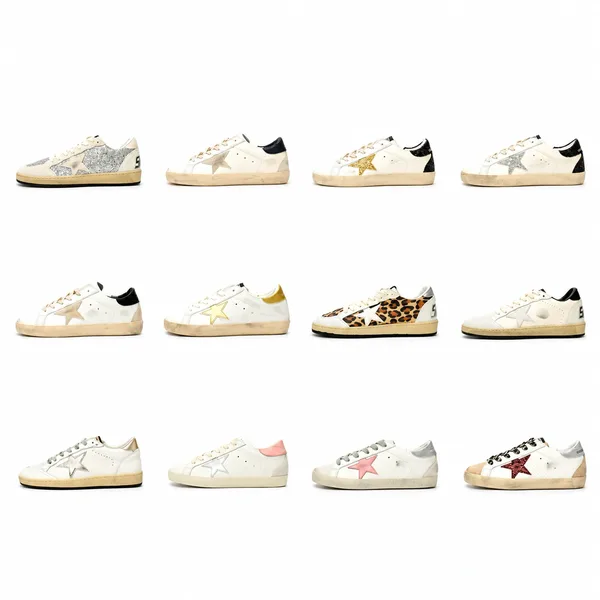
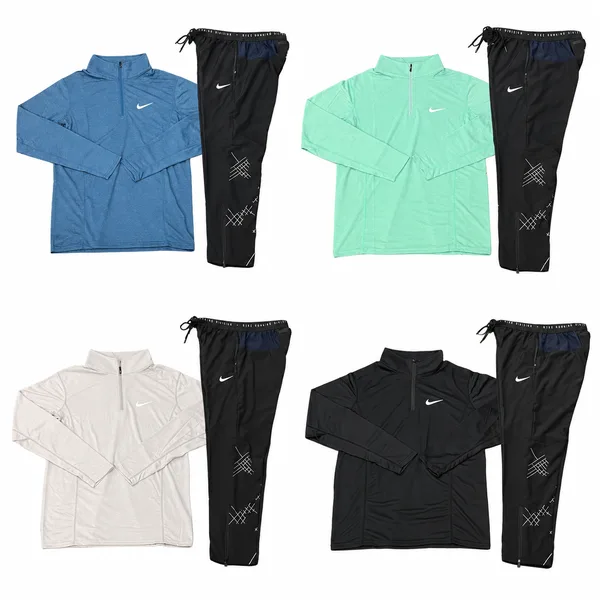
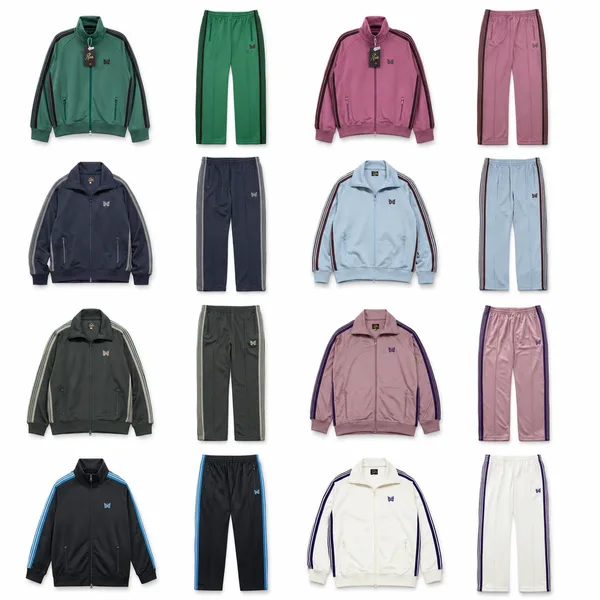
A LoveGoBuy spreadsheet should make the next choice easier. Start with a small selection you understand: what each piece is for, which option you want and what you still need to check. A long list becomes useful only when you can return to the right product without reconstructing your decision from a thumbnail.
Choose your starting point
Lire le guide LoveGoBuy en français.
Consultar el LoveGoBuy spreadsheet en español.
Przeczytaj LoveGoBuy spreadsheet po polsku.
If you already know the kind of piece you need, begin with a specific reference. These LoveGoBuy product pages offer three different starting points.
| Piece to inspect | Question to answer before adding it |
|---|---|
| White floral graphic T-shirt | Is the print and its placement the detail you wanted? |
Open the page and inspect the current offer. Titles identify the references, but they do not establish material quality, stock or how an item feels when worn. Check those questions separately instead of using an appealing photograph as their answer.
Make the shortlist smaller before making it longer
Combining several collections? Use the guide to working with multiple LoveGoBuy spreadsheets to keep duplicates, options and conflicting notes separate.
For a closer look at three different starting points, read the LoveGoBuy finds guide.
For each candidate, write one reason to keep it and one unresolved question. A jacket might fill a gap in your layering options, while the unresolved question is sleeve length. Another jacket with the same role should earn its place through a meaningful difference, not merely a different thumbnail.
Remove entries that do not fit the purchase you are planning. Saving everything makes later comparison harder, particularly if multiple rows lead to the same product. Keep the original reference for a candidate you are still considering, but do not confuse a large collection with a finished selection.
Preserve the option, not just the destination
Use a short descriptive name, the complete product link, the intended colour and size, and the question still open. When a page offers several variants, its address may not preserve the one you were viewing. Reopen it and compare the selected option before relying on the saved row.
The LoveGoBuy spreadsheet links guide shows how to keep product identity clear when a destination changes or a link opens differently than expected. A row that still loads can nevertheless require an updated option check.
Keep prices attached to what they describe
Record the currency and the option shown with a product amount. Do not treat that number as a complete delivered cost. Find out what the current purchase and shipment stages require before deciding that the shortlist fits your budget.
You can keep an estimated transport allowance while planning, but distinguish it from a quote for measured, packed contents. An item photograph does not tell you the eventual box dimensions. If the selection changes, revisit the transport comparison rather than carrying the earlier assumption forward automatically.
Move from browsing to a real order deliberately
Follow the step-by-step spreadsheet guide, or compare what makes a useful collection before choosing where to start.
LoveGoBuy describes a workflow involving purchase, warehouse review and onward shipment. Each stage answers a different question. A saved product is a candidate; a transaction record concerns a purchase; warehouse photos concern the item received there; a parcel record concerns its next journey.
Keep those records connected without treating them as interchangeable. If you purchased a different option from the one originally saved, update your shortlist so that subsequent checks refer to the actual choice.
Review what you can see and ask about what you cannot
Read the spreadsheet review for the limits of public feedback and the safety guide for checks before sensitive actions.
At the warehouse stage, compare the correct item and selected option. Look for the visible details you cared about when choosing it. If fit depends on a measurement, ask for that measurement rather than treating a size label as a complete answer.
Photos can reveal visible differences, but they do not establish comfort, long-term durability or hidden construction. A helpful spreadsheet keeps the remaining question identifiable. It does not turn an unanswered question into a positive claim just because the rest of the row is filled in.
Return to the shortlist after a change
If a product page changes, an option becomes unclear or your planned parcel is different, revisit the affected choice. Avoid replacing one item with a vaguely similar listing and leaving its old notes attached. Those notes may concern a different size, print or offer.
This is also why a recommendation from another buyer needs context. Their selected variant and destination may not match yours. Use their experience to identify questions, then answer those questions for your own purchase.
Spreadsheet questions
Arabic readers can use the LoveGoBuy spreadsheet for Saudi Arabia to organize product choices separately from Saudi delivery planning.
For Dutch-language readers in Belgium, the LoveGoBuy spreadsheet voor België explains how to record product choices and separate them from delivery planning.
Is this a completed order list?
No. The product references help you make a selection. Check the relevant account records to establish whether an order or shipment action actually happened.
What makes a spreadsheet useful for a beginner?
A manageable selection, recognizable destinations, clear options and understandable next steps. A large number of rows alone does not supply those qualities.
Can the same row stay valid indefinitely?
Recheck the offer and option before acting. The page, availability or your own requirements can change after you save it.
Should I choose solely from the photographs?
Use them for visible features, then check the listing information and measurements needed for your decision. A photograph does not settle every product question.
Explore styles and buying guides
Text search works best when you know a product type, model, color or design detail. Use a short phrase, review the returned images and narrow the result with a Style only when it helps. If you have a photo but no useful wording, choose Search by image. A clear crop with the item filling most of the frame usually gives the search more useful visual detail.
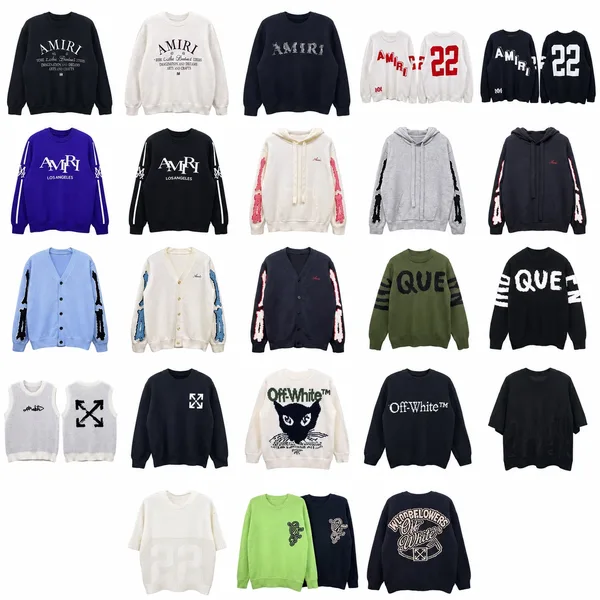
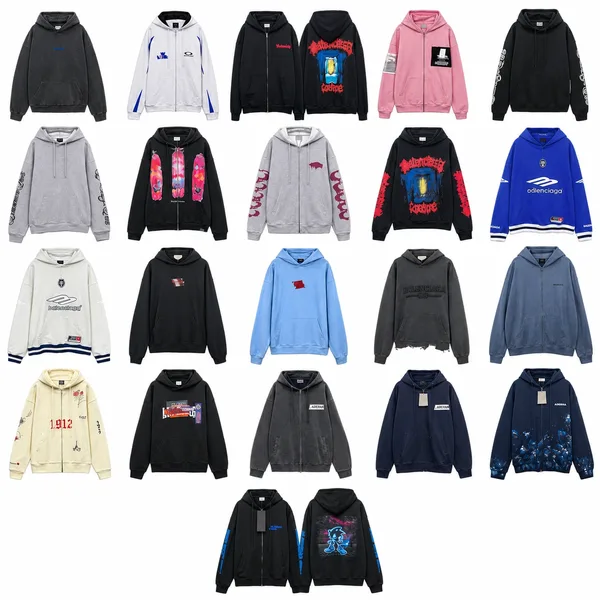
The homepage provides eleven direct Style entrances: Shoes, Hoodies/Sweaters, T-Shirts, Jackets, Pants/Shorts, Headwear, Sets, underwear/underpants, Jersey, Accessories and Other Stuff. Each button opens its own catalog page. When a Style has narrower groups, its Subcategories appear after the page opens.
Shipping depends on destination, packed weight, dimensions, route rules and current operating conditions. Use the LoveGoBuy shipping guide to prepare those inputs and the shipping cost guide before comparing live options.
New visitors can begin with the LoveGoBuy spreadsheet guide. Readers comparing catalog quality can use the best LoveGoBuy spreadsheet checklist and the LoveGoBuy spreadsheet review. If an older saved route has changed, follow the steps in LoveGoBuy spreadsheet links. Account and parcel checks are covered by Is the LoveGoBuy spreadsheet safe?, QC photos and tracking.
Local-language guides make destination-specific questions easier to follow without turning regional interest into customer counts. Start with France, Belgium, Poland, Spain or Saudi Arabia. Each guide connects product search with QC, packed measurements and the shipping inputs that must be checked again for the actual parcel.
Three product references
Finding something worth considering is different from deciding to buy it. Begin with the detail that attracted you, then ask whether the item fills a real gap. The product references below offer a starting point for that comparison. Check current stock on the product page.
A graphic top when the print is the main feature
For a closer comparison of print and fit, use the T-shirt buying guide.
The white T-shirt with a smiling floral lightbulb graphic on LoveGoBuy is a reference for a print-led choice. Inspect the actual design and its placement rather than saving it as simply another white top. If the graphic is the reason you like it, that is the detail to preserve in your shortlist and later compare with the selected item.
Check the available sizes and relevant measurements before deciding. A listing photograph does not establish fit, fabric feel or print durability. Avoid transferring a positive opinion about a different graphic shirt to this one just because both use a similar colour.
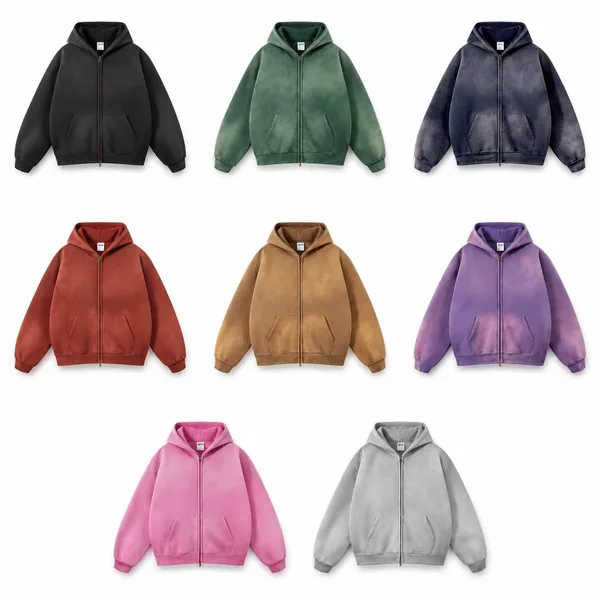
A textured layer when you want a different surface
The hoodies and sweaters guide separates construction, fit and material questions before you choose a layer.
Read the current listing for composition and care information if those details affect the decision. Texture visible in a photograph does not establish warmth, softness or stretch. Keep those properties separate from the design feature you can recognize.
Use the size guide to compare relevant garment measurements without assuming that the same size letter works across unrelated listings.
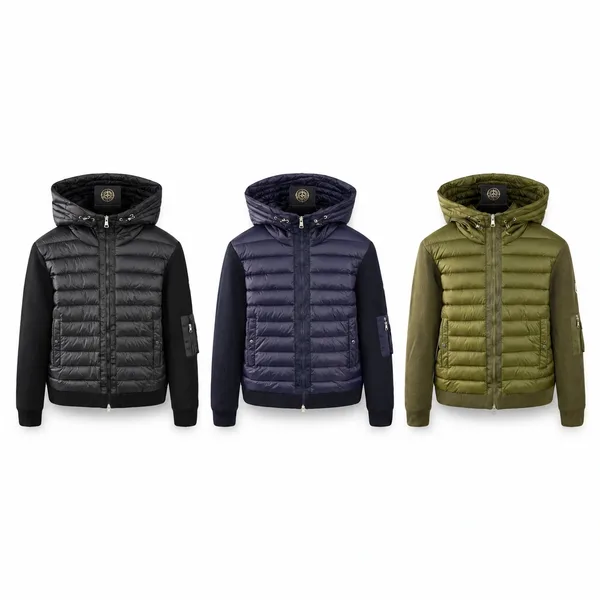
A colour-block jacket when the outer layer carries the look
The jackets guide takes this comparison further, including raglan sleeve measurements and room for layering.
Sleeve construction affects how a measurement should be interpreted. Ask about the endpoints if a chart is unclear rather than comparing incompatible sleeve measurements. A styled image also cannot tell you whether the jacket has the room you want over a particular layer.
Keep the shortlist tied to a purpose
If the gap is footwear rather than another top, use the shoes guide to compare construction and sizing before adding a pair.
Give each candidate a role and avoid adding two near-identical options without knowing why you want both. You might prefer one print over another or need a different layer, but a second saved link should represent a meaningful choice rather than an accidental duplicate.
The LoveGoBuy spreadsheet overview helps organize that shortlist. Keep the complete product destination and intended option together so you can return to the decision without reconstructing it from memory.
Check the offer before treating a find as a purchase
Reopen the page and read its current options and amount. Record the currency and what the amount covers. Do not treat a product subtotal as a delivered budget or use another buyer's parcel cost as the missing figure for your own selection.
If a coupon is involved, check the eligible charge rather than adding an unwanted item just to meet a threshold. The coupon guide separates a promotional headline from the reduction actually applicable to a transaction.
Carry the defining details into warehouse review
After a purchase, compare the photos attached to the actual item with the option you chose. For the printed top, that may mean the graphic and label; for a layer, a relevant measurement may matter more. Ask about a missing view before assuming the photograph answers every concern.
The QC guide explains the limits of visible checks. The buying guide then keeps the onward parcel decision separate from the earlier product selection.
Finds questions
Does inclusion mean an item is currently available?
No availability guarantee is established here. Check the offer and selected option when you intend to act.
Can I choose a size from the product title?
No. Read the relevant measurements and definitions for that listing and your intended fit.
Is a similar photograph enough to substitute another product?
Compare the new offer as a separate candidate. Its options and properties may differ even when the overall appearance is close.
What should I save after finding a candidate?
The destination, intended option, reason for considering it and the question still open. The links guide keeps those details connected when you return later.
Combine multiple spreadsheets
Using several LoveGoBuy spreadsheets can broaden what you discover, but copying rows into one list can also mix prices, options and notes that belong to different offers. Keep the discovery lists as references and build a smaller working selection whose entries you can explain.
This guide focuses on combining collections. For choosing a collection in the first place, use the best-spreadsheet comparison guide; for an individual saved address, use the link guide.
Copy a candidate before deciding whether to merge it
Keep the original address and the context you found useful. Then open the destination and record the option you actually intend to compare. Do not immediately overwrite an existing row just because the thumbnail looks familiar.
You are comparing three layers: the product reference, the selected option and the observation made about it. Two rows can agree on one layer and differ on another. A useful combined list preserves those differences instead of treating every similar photograph as a duplicate.
A worked example with three possible duplicates
| What two saved rows contain | Sensible treatment |
|---|---|
| The same address and same intended option, with different personal notes | Keep one candidate and retain both relevant notes |
| The same address but two sizes you deliberately want to compare | Keep the options distinguishable; do not silently choose one |
| Similar jacket photos but different destinations | Treat them as separate candidates until identity and offer details are checked |
For the first case, a note about sleeve measurement and a note about layering can coexist. For the second, each option needs its own comparison. For the third, an apparent match is a question to investigate, not permission to transfer measurements or reviews between products.
Resolve a price conflict by checking its scope
Suppose your notes show two different amounts. Before deciding which is correct, check the currency, quantity, selected option, observation date and what each amount includes. A product-only figure and a figure containing another charge are not equivalent observations.
If the old note lacks that context, keep it out of a calculated total. Do not fill the missing currency or invent a shipping allowance to make the rows agree. Reopen the offer for the purchase decision you are making now.
An earlier price can remain in your private history without being presented as current. Replacing it with a new observation should not erase the explanation of what changed.
Keep quality-control references attached to the right item
A photograph from another buyer can suggest a useful question, but it does not inspect your eventual purchase. When combining rows, do not allow a QC reference attached to one variant to become a claim about every variant in the group.
For the jacket example, a photograph of a label is different from a sleeve measurement. A positive comment about appearance is different from a wear test. The QC guide helps you ask for the detail that matters rather than collecting more images without a clear purpose.
A year in a collection title does not date every row
An updated heading may coexist with older entries. Check the specific offer before relying on its options, price or availability. Do not assume that every row was revisited just because the collection carries a recent year.
When an address does not load, mark that candidate as needing another check in your own working list. A loading failure alone does not establish permanent removal. Conversely, keeping an old address is not evidence that the offer remains usable.
If you find a replacement, create a clearly identified alternative. Do not leave the original product's measurements and comments attached to the replacement by accident.
Separate your selection from transaction records
Your merged list can say what you want to buy. It should not imply that copying a row placed an order or paid for shipment. Follow the purchase-stage guide when you move from comparison to action.
After accepting a changed option, update the working choice. Keep account references, private addresses and payment records outside any shared collection. The information needed to compare jackets does not require exposing a buyer's identity.
A short maintenance routine
Before the next purchase, inspect only the candidates you are seriously considering: open their destinations, compare the options, resolve the decision-changing questions and revisit the amounts. Move rejected choices out of the active shortlist while retaining a brief reason privately if it will save repeated work.
Return to the main LoveGoBuy spreadsheet for the current selection and linked guides. The objective is a list you can act on deliberately, not a larger count assembled from overlapping collections.
Questions about combining spreadsheets
Should every repeated address be deleted?
No. Two options from one offer can be a deliberate comparison. Distinguish meaningful alternatives from accidental repetition first.
Can I average two conflicting measurements?
Not without knowing they describe the same option and measurement method. An average of unlike measurements does not resolve the mismatch.
Does a collection refresh make old QC current?
For older collections, the spreadsheet archive guide explains how to retain history while rechecking a current selection.
No. A photograph remains tied to the item and occasion it depicts. It does not become an inspection of a later order.
Is combining several lists evidence of better products?
No. It gives you more references to assess. Product suitability still depends on the specific information relevant to your choice.